| Warning |
|---|
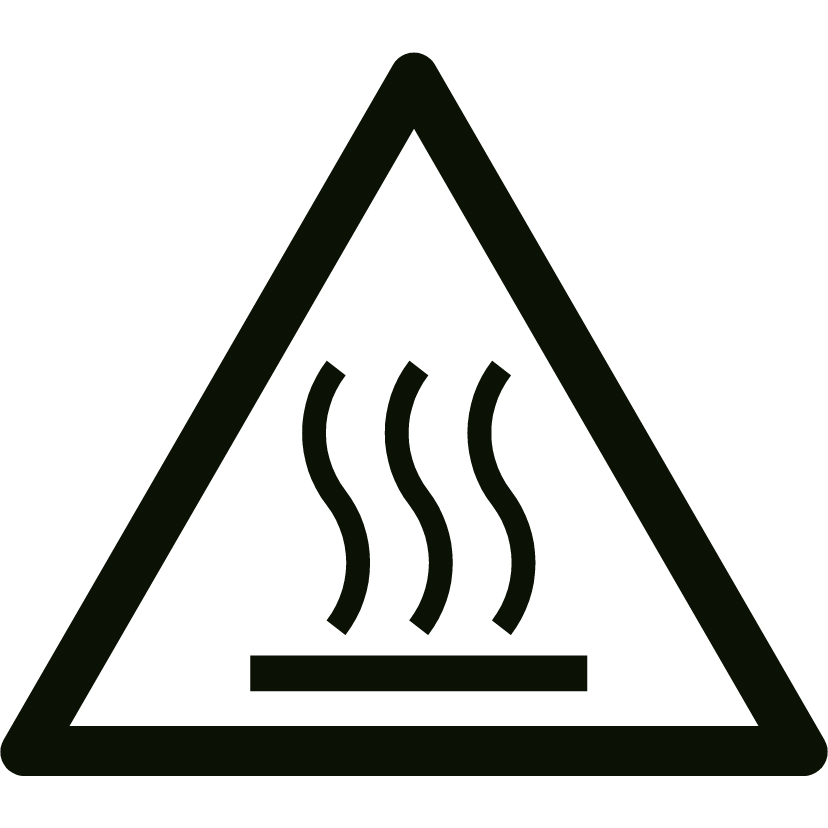 |
WARNING
The device becomes very hot during use. Make sure the device is
turned off, unplugged and completely cooled down before cleaning the
device.
|
| Warning |
|---|
 |
CAUTION
- Keep the device clean. Dust, dirt, and/or deposits in the device
often lead to overheating. Ensure that this type of build-up is
regularly removed.
- Prevent water from entering the device. Do not immerse any part of
the device in water or other liquids.
|
| Warning |
|---|
 |
CAUTION
Do not use:
- scouring pads;
- hard brushes;
- flammable, aggressive or chemical cleaning products.
Prevent water from entering the device. Do not immerse any part of the device in
water or other liquids.
|
It is recommended to clean the device after each use and prior
to storage.
- Carefully vacuum the openings to remove dust and dirt.
- Wipe the device with a damp, clean, soft, lint-free cloth or a soft brush.
- Let the device dry completely prior to use and storage.
