Do not use the weekly timer created with the device at the same time as the
weekly timer created with the Eurom Smart App. Timer settings created by the Eurom Smart
App are not visible on the device display. Timer settings created on the device are not
visible in the Eurom Smart App.
The device can be operated using an app on a smartphone or tablet. The Eurom Smart App
can be used to:
switch the device on and off;
regulate the temperature;
activate the ECO mode;
activate the frost protection mode.
The app can also be used to set twenty on and off timer settings daily, on the weekly
timer.
It is recommended to turn on your smartphone's
Bluetooth when you first connect to the heater. This is faster and easier when
making the first connection.
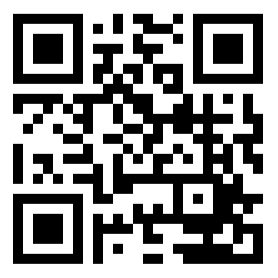
Open the Eurom Smart App manual with the QR code (Figure 1) or go to
www.eurom.nl/nl/manuals.
Complete the steps in the Eurom Smart App manual.
When the device is connected with Wi-Fi, the Wi-Fi symbol appears on the
screen.
If the Wi-Fi symbol is blinking there is no connection.